Behind the Scenes: The Inner Workings of AI in Customer Support


AI in customer support is something we already interact with, even if we don’t always notice it. When a message gets answered in seconds or when you immediately get the exact troubleshooting steps you need, that’s AI quietly doing its work in the background.
But how does it actually happen? What does AI “see” when it reads a message? How does it understand what the customer wants, or decide whether to reply or escalate to a human agent?
In this article, we’ll walk through what happens behind the curtain when AI processes a customer message – how it understands the question and responds in a way that keeps the conversation moving smoothly.
How Customer Service Automation Simplifies Everyday Support
Before breaking down how AI works step by step, it helps to understand the general flow of its actions. AI in customer support performs a set of interconnected tasks that mirror what a skilled human agent would do. The difference is that AI can do this instantly, across thousands of conversations at the same time.
Here’s what happens every time AI handles a customer message:
- It understands a message: AI reads the customer’s text and grasps the real meaning behind it, even if the message is long, emotional, unclear, or full of typos.
- It detects intent: Once the message is understood, AI determines what the customer wants. Is it a refund? A missing order? A cancellation request?
- It identifies sentiment: AI also evaluates how the customer feels. A sentiment analysis helps adjust priority, tone, and the best action.
- It generates a response: Using generative AI, the system drafts a message, provides a quick explanation, rewrites text to fit the brand tone, or prepares an answer for agents to review.
- It surfaces knowledge: AI pulls information from product documentation, FAQs, past tickets, and integrated systems.
- It routes a ticket: Based on intent, complexity, customer history, and sentiment, AI can automatically route the request to the right team.
- It automates workflows: For common, repetitive requests, AI can trigger the next steps automatically: updating delivery status, checking transactions, or resetting passwords.
- It supports human agents: AI assists agents throughout the conversation with reply drafts, recommended actions, context cards, and concise summaries of long threads.
Together, these capabilities create an intelligent AI customer support workflow that helps teams move from reactive firefighting to proactive, efficient service.
The Core Components of AI in Customer Support
To understand how AI handles customer questions so quickly and accurately, let’s look at the main building blocks behind it. These components work together to read messages, recognize what the customer needs, find the right information, and decide on the next action.
Here’s a simple, clear look at each part:
1. Natural Language Processing (NLP)
NLP in customer service allows AI to “read” and understand human language. It recognizes what the customer is talking about, picks out important details, and even interprets tone. In other words, NLP helps AI understand the message the way a human would.
2. Machine Learning (ML)
Machine learning is how AI gets better over time. It studies patterns from past conversations, for example, what worked, what didn’t, and which solutions helped in similar situations, and uses that knowledge to make smarter decisions in the future.
3. Generative AI (Large Language Models, LLMs)
This is the component that enables AI to “write.” LLMs can draft full replies, rewrite text in the right tone, summarize long threads, and explain even complex steps clearly. Simply put, LLMs help AI communicate naturally, accurately, and in a human-like way.
Intent and Sentiment Detection
AI identifies two essential signals in every message:
- Intent: what the customer wants (refund, address change, login help, delivery update, cancellation, etc.)
- Sentiment: how the customer feels (upset, neutral, confused, frustrated)
This type of sentiment analysis in customer support allows AI to understand not only customer needs, but also how urgent or emotional the situation is. These signals help AI decide how to prioritize the request and what tone to use.
AI Customer Support Workflow: How AI Processes a Customer Message
When a customer sends a message, it might look simple – they ask a question, they get an answer. However, there is an intelligent AI customer support workflow to understand the request and choose the right action.
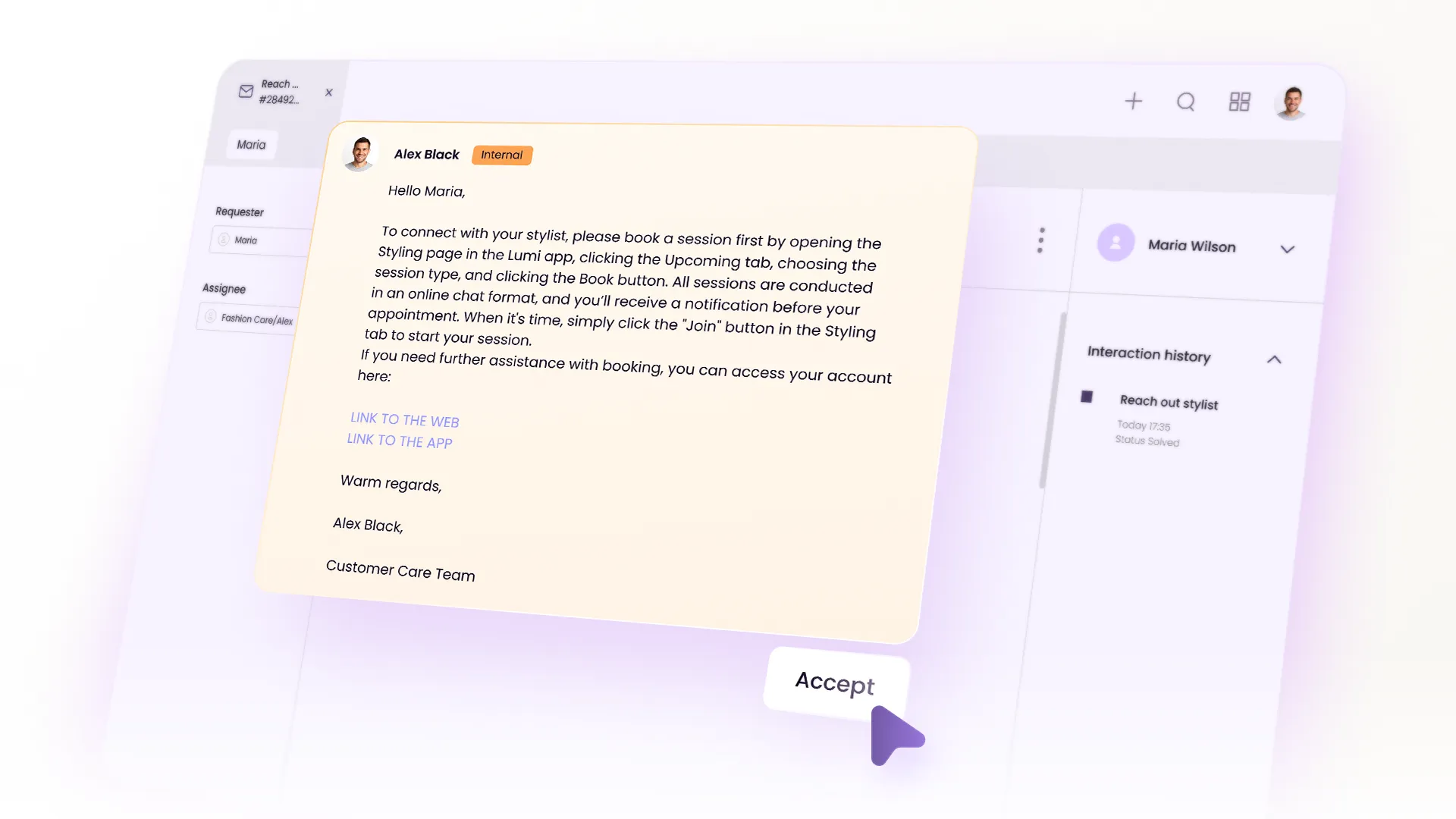
Step 1. The message arrives: AI receives the text from any channel, like chat, email, or webform, and prepares to process it.
Step 2. AI reads the message: Using NLP in customer service helps AI identify the topic, key details, tone, and any signs of urgency.
Step 3. AI identifies intent and sentiment: This step relies on intent detection in customer service, helping AI correctly classify the request before choosing the next action.
Step 4. AI checks context: The system pulls past conversations, order data, subscription info, and relevant history to avoid repetitive questions.
Step 5. AI chooses the next action: Depending on the case, AI may answer instantly, draft a reply for an agent, or trigger a workflow (checking delivery status, resetting passwords, verifying identity, etc.).
Step 6. AI assists the agent (in hybrid mode): If a human steps in, AI provides drafts, summaries, and suggested next steps to speed up resolution.
Step 7. AI learns from the outcome: Edits and final actions help the system improve future predictions and responses.
The entire decision-making process is a part of a broader customer service automation layer, where AI not only understands the request but also performs operational steps that previously required multiple agents. Over time, decisions become faster, more accurate, and better aligned with the processes.
Real-World Examples of AI in Action
Now that we’ve covered the theory, let’s see how these mechanisms work in real customer interactions. Below are three examples from Evly AI across the most common support-heavy industries: e-commerce, SaaS, and logistics.
E-commerce
Customer message: “Hi, my order #58392 is still not delivered. It says it arrived yesterday but I didn’t get anything.”
Here’s how Evly would process it:
- Reads the message: order delayed + possible delivery issue
- Detects intent: “order not received.”
- Detects sentiment: frustrated, urgency medium
- Pulls customer history: finds the order in the system
- Checks tracking: confirms delivery status and last carrier scan
- Chooses action:
- If mismatch – drafts a reply explaining next steps + opens an investigation workflow
- If carrier error – sends instructions + triggers re-delivery
- Creates a summary for the agent (if review needed)
- Learns from the resolution for future cases
The whole process happens in seconds, long before an agent would have time to manually check the order.
SaaS Support
Customer message: “I’m getting a 403 error when calling the API. Can you help?”
How Evly processes it:
- Reads the message: identifies technical error
- Detects intent: “API troubleshooting.”
- Detects sentiment: neutral but urgent
- Pulls customer setup: checks product version/config
- Searches documentation: finds relevant API 403 causes
- Chooses action:
- Drafts step-by-step troubleshooting instructions
- Flags engineering if the error matches a known bug
- Provides a summary to the agent with the recommended fix
- Learns from the final resolution
A process that normally requires switching between logs, docs, and Slack – now automated.
Logistics & Delivery
Customer message: “I need to update the delivery address before the parcel ships. Can you change it?”
How Evly processes it:
- Reads the message: request for address update
- Detects intent: “change delivery address.”
- Detects sentiment: mildly urgent
- Checks shipment status: has it shipped yet?
- Pulls carrier details: checks the cut-off window for changes
- Chooses action:
- If not shipped – updates address + confirms with customer
- If already shipped – drafts message with alternative options
- Routes case to correct the regional logistics team (if required)
- Learns from the outcome
It removes back-and-forth and prevents misdeliveries.
Benefits of AI Mechanisms for Support Teams
Support teams start feeling the impact of AI almost immediately. Here are the benefits that show up first:
Faster Replies
According to HubSpot, 75% of CRM leaders report faster replies after adopting AI. It’s possible because AI doesn’t queue, peak, or slow down during busy hours. Using NLP in customer service, AI can interpret incoming messages instantly, significantly reducing first-response time and protecting customers from feeling ignored or stuck “on hold.”
Reduced Ticket Load
Customer service automation is one of the core advantages of AI-powered systems. Studies show that AI-powered teams resolve 14–15% more tickets per hour (MIT & Stanford), because automation reduces manual work and lets agents focus on cases that require human judgment.
Cost Reduction
According to McKinsey, companies implementing AI in support reduce operational costs by 20% through automation and improved agent productivity.
AI reduces operational costs in several ways:
- fewer agents needed for routine work
- lower backlog-related overtime
- fewer mistakes in billing or policy explanation
- faster onboarding (AI assists new agents)
Improved Consistency
McKinsey reports that 75% of customers expect consistent service across all channels. AI helps eliminate the “different answers from different agents” problem, especially important for regulated industries. Omnichannel automation keeps responses aligned across all platforms, reducing the risk of inconsistent messaging.
Personalization at Scale
AI pulls data from CRM, billing, order history, past tickets, and system logs to personalize replies without any extra effort from agents. It’s a crucial part of customer support, since 76% of customers feel frustrated when they don’t receive personalized interactions, according to McKinsey. A well-designed AI customer support workflow ensures that every personalized reply still follows the same logic, tone, and context, even at high scale.
For a broader, forward-looking perspective on where automation is heading, take a look at AI in Customer Service: Your 2026 Roadmap to Automation and Efficiency.
AI Customer Support Tools: Examples You’ll Find in the Market
Modern AI support tools on the market approach automation in different ways. Here’s an overview of well-known AI customer support tools and what they are commonly used for.
How Human and AI Hybrid Support Works
When teams experience the benefits of AI, a natural question often comes up: Will AI eventually replace human agents?
In reality, AI in customer support is not designed to replace people. It's designed to help them work faster and with far less repetitive effort.
In a hybrid model, customer service automation handles the routine parts of a conversation, while humans step in for situations that need empathy or deeper problem-solving.
- AI takes care of the prep work: it reads the message, finds context, pulls the necessary data, and drafts a reply.
- Agents handle the human moments: complex cases, emotional situations, or anything that requires personal attention.
Together, they resolve issues faster. It’s the best of both worlds – automation for efficiency, humans for connection.
Bottom Line
When you look behind the scenes of AI in customer support, the picture becomes much clearer: AI isn’t a mysterious black box, it’s a set of simple, connected processes that help teams manage conversations more smoothly.
AI makes support faster and far less overwhelming, agents get to focus on real problem-solving, customers get clearer answers, and the whole support experience feels more seamless.
And if you’re curious how this looks in practice, Evly shows exactly how AI can support your workflows every step of the way.
FAQ
How is AI used in customer service?
Will AI replace customer service agents?
What are the best AI tools for customer support?
How can AI improve customer service quality?
Is AI in customer service expensive?
Which AI agent is safest for customer service?
What AI customer experience trends should I watch for in 2026?
Read next
.webp)